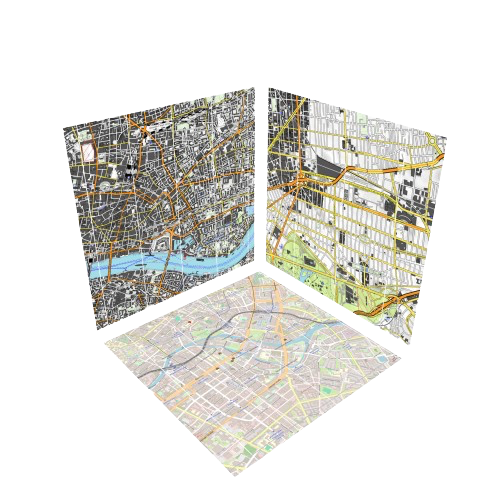
PlotConfig
PlotConfig is a powerful tool to influence how tiles are plotted. It has a preprocess + postprocess function and allows to pass any plot attribute to the tile. These attributes are global and will be passed to every tile plot.
Here's a simple example of plotting only the red channel of image data.
Simple example
using Tyler, GLMakie
using Extents
using Colors

config = Tyler.PlotConfig(;
    preprocess = (data) -> RGBf.(Colors.red.(data), 0, 0), # extract only the red channel of the data
    postprocess = (plot) -> translate!(plot, 0, 0, 1),
    # attributes...
)
lat, lon = (52.395593, 4.884704)
delta = 0.1
extent = Extent(; X=(lon - delta / 2, lon + delta / 2), Y=(lat - delta / 2, lat + delta / 2))
Tyler.Map(extent; provider=Tyler.TileProviders.Esri(:WorldImagery), plot_config=config)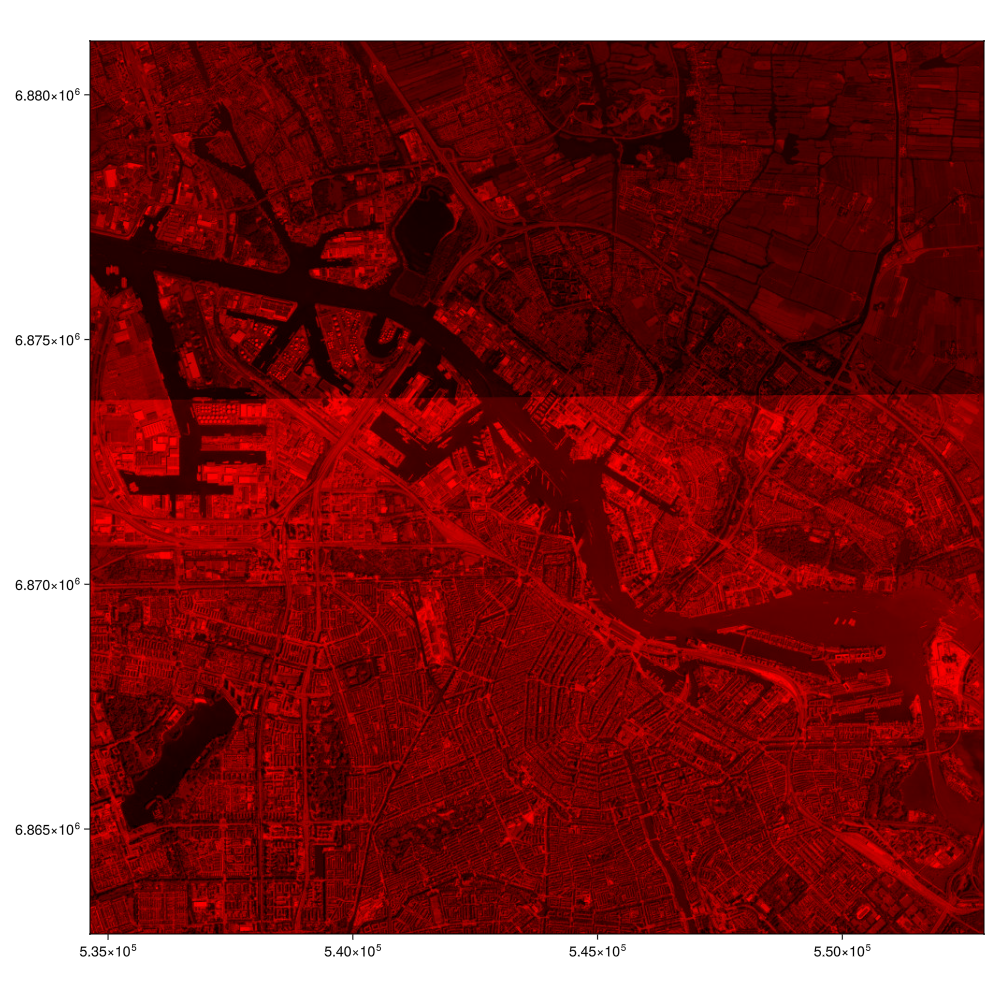
The data you get in the preprocess function is whatever the tile provider returns. So it can be a matrix of RGBs (Colors.AbstractColorants), or ElevationData or PointCloudData.
You need to write your plot config according to the provider you intend to use, and the type of axis you are plotting into. For example, a Map in a GeoAxis will use GeoMakie.meshimage plots instead of Makie.image plots, and so on.
Example with elevation data
using Tyler, GLMakie
using Tyler: ElevationProvider

lat, lon = (47.087441, 13.377214)
delta = 0.3
ext = Rect2f(lon-delta/2, lat-delta/2, delta, delta)
cfg = Tyler.PlotConfig(;
    preprocess = function (data::Tyler.ElevationData)
        data.elevation .= sqrt.(data.elevation)
        data
    end,
)
m = Tyler.Map3D(ext; provider=ElevationProvider(), plot_config=cfg)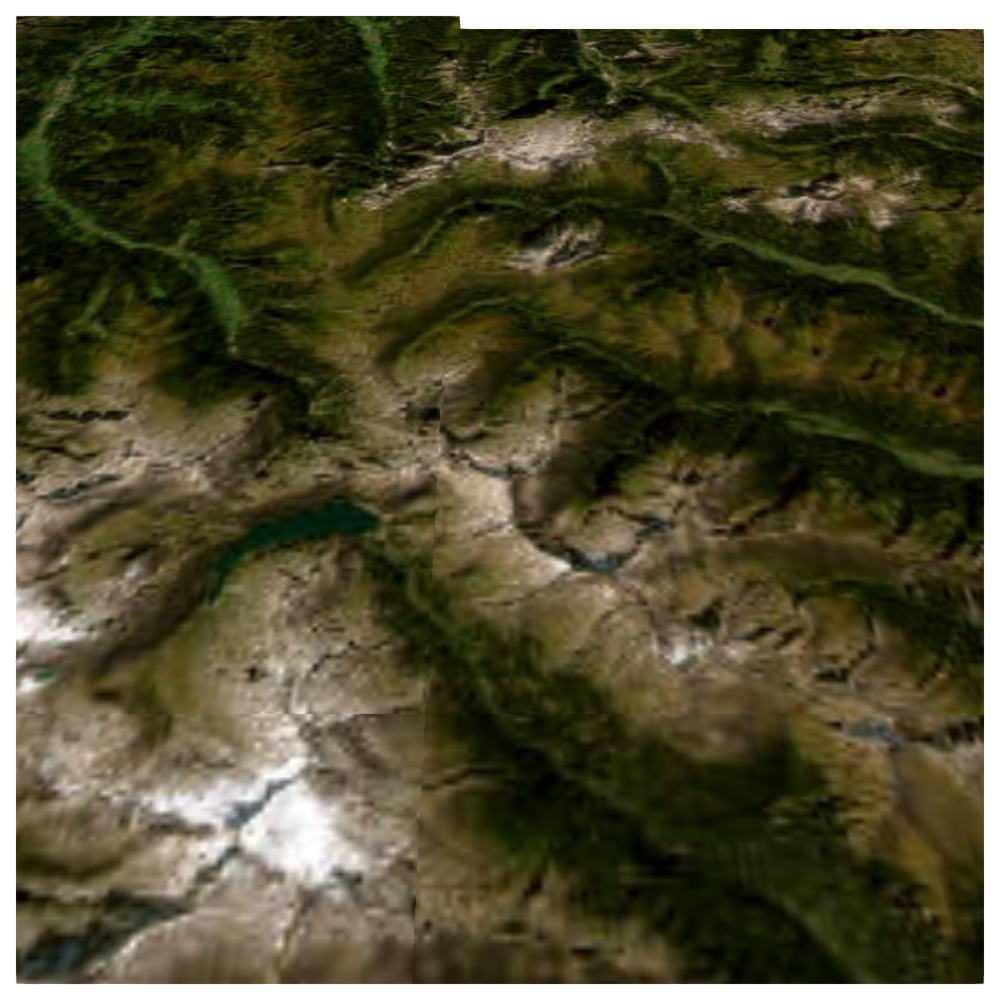
Compare this to plotting the elevation data without a plot config:
m = Tyler.Map3D(ext; provider=ElevationProvider())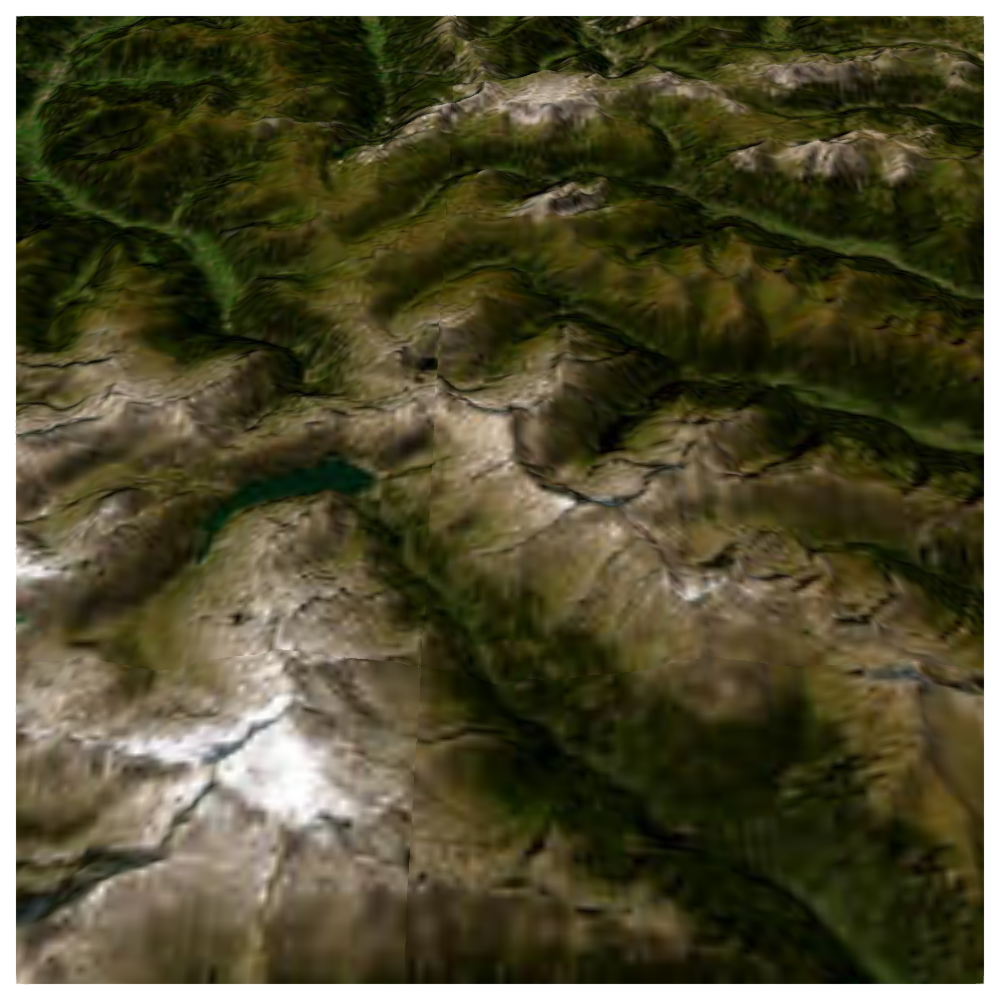
Types of plot config
All plot configs inherit from AbstractPlotConfig. But there are some specialized plot configs for specific use cases.
The usual plot config is PlotConfig, but there is also DebugPlotConfig for debugging purposes, and MeshScatterPlotconfig for point clouds. You can also create your own plot configs by inheriting from AbstractPlotConfig and following the implementation of e.g. DebugPlotConfig!
Tyler.PlotConfig
Tyler.DebugPlotConfig
Tyler.MeshScatterPlotConfig